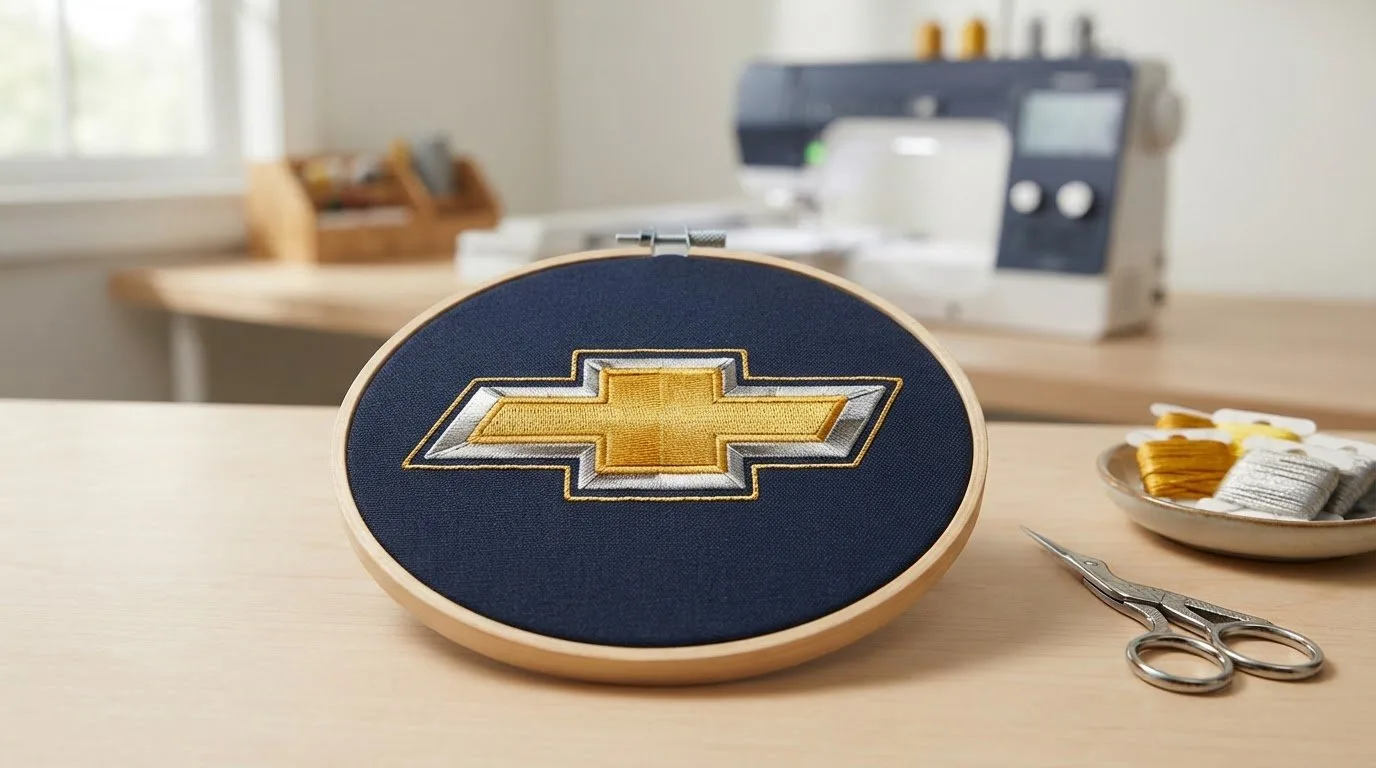
# Chevrolet Embroidery Design: Find the Right Style for Your Project
Choosing a Chevrolet embroidery design starts with more than finding a bold car motif. The design should suit the item you want to stitch, fit the available space, and come in a file format your machine supports.
First, picture the finished project and where the artwork will go. Then check the design page for its available formats, such as PES, DST, or JEF, and compare them with your machine’s requirements. This guide walks you through choosing an automotive style, checking file compatibility, and understanding personal-use downloads versus separate licences for selling finished stitched items. With those details in mind, you can choose a design that fits your project and intended use.
Key Takeaways
- Match a chevrolet embroidery design to your project, placement, and preferred automotive style.
- Compare the design’s size with your hoop and the space available on the item.
- Check the formats listed on the design page against the formats your machine supports.
- Membership downloads are for personal use. Separate licences are available for selling finished stitched items.
Table of Contents
-
What Makes a Chevrolet Embroidery Design Right for Your Project?
-
How to Choose a Chevrolet Embroidery Design for Your Machine
-
Download, Licence, and Use Your Chevrolet-Themed Embroidery Design
What Makes a Chevrolet Embroidery Design Right for Your Project?
A machine embroidery design is a digital file that guides an embroidery machine’s stitches. It isn’t a finished patch, cap, or garment. Instead, you choose artwork to stitch onto an item you want to personalize, such as a jacket, cap, gift, team apparel, or home décor. For background on the marque and its cultural significance, explore the history of Chevrolet.
Consider the effect you want before choosing a design. Bold logo-style artwork can serve as a focal point on a larger jacket panel, while a smaller automotive accent may suit a cap or keepsake. Check how much space you have and whether the motif will leave room for other details. A chevrolet embroidery design should work with both the item and the style you have in mind.
Start with the item’s shape and the area where you plan to stitch. Think about how prominent you want the artwork to be, then browse transportation and car-logo designs for an automotive look that fits. These categories make it easier to explore related themes, but don’t assume every car motif shows a specific Chevrolet model or logo. Use the design-page details to confirm what the artwork depicts.
If you’re still comparing styles, browse the wider collection of digital embroidery designs for ideas. Settling on the visual style and placement first helps you narrow the options before checking machine-file details.
How to Choose a Chevrolet Embroidery Design for Your Machine
Use this sequence to compare options before downloading. Planning the project first can help you avoid choosing a design that doesn’t fit the item or your machine.
-
Define the project. Decide what you’re stitching and whether you want the automotive artwork to be a focal point or a smaller accent.
-
Check hoop and placement needs. Compare the design’s dimensions with your hoop’s stitching area and the space available where you plan to place it.
-
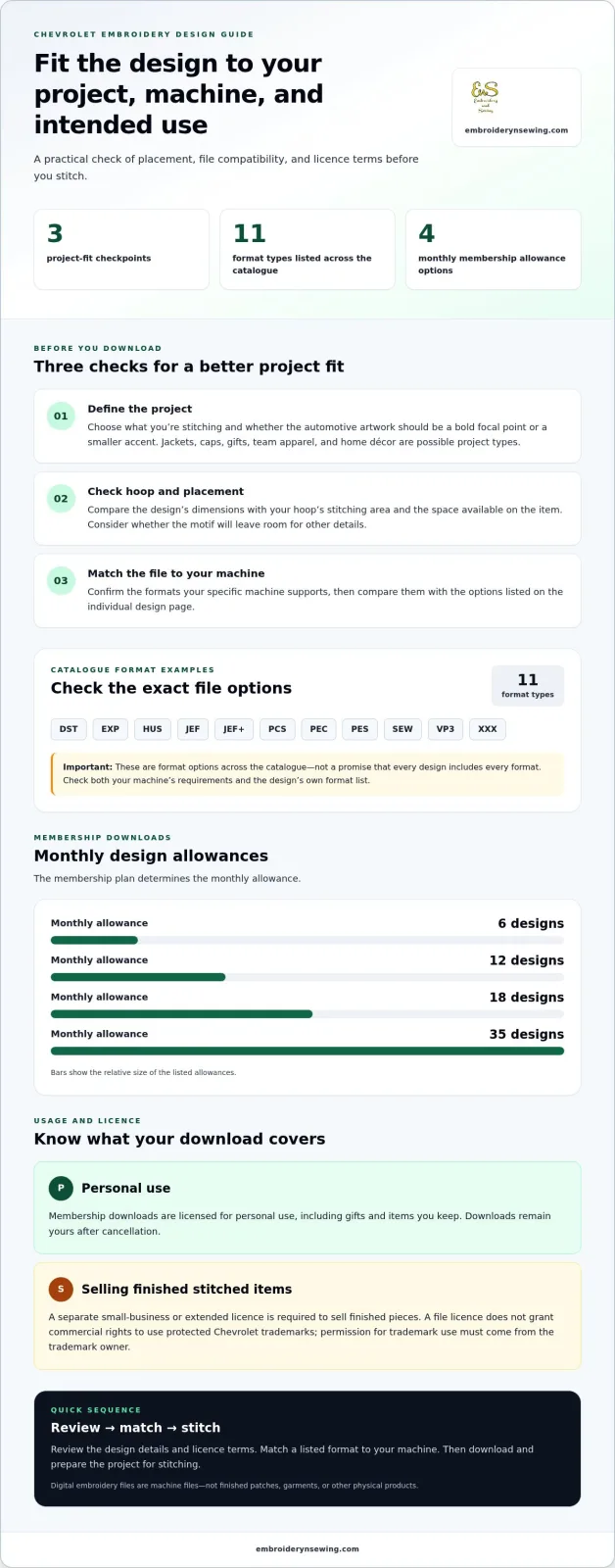
Confirm the file format. Check your machine’s supported formats, then compare them with the formats listed on the design page.
Compatibility depends on matching a listed download format to a format your specific machine supports. Design pages list formats including DST, EXP, HUS, JEF, JEF+, PCS, PEC, PES, SEW, VP3, and XXX. These are options across the catalogue, not a promise that every design includes every format. Check the individual design page and your machine’s requirements before choosing.
What should you check before downloading an embroidery file?
Compare the format list on the design page with your machine’s documentation or format settings. Don’t rely on a familiar file extension alone: confirm that your specific machine supports it. If you’re new to machine embroidery, review the steps for preparing a project before stitching. For more context as you compare automotive themes, General Motors provides an overview of Chevrolet brand values.
Once you’ve settled on the project, placement, and compatible format, browse embroidery design categories to explore transportation themes and other ideas for your next stitch project.
Download, Licence, and Use Your Chevrolet-Themed Embroidery Design
Embroidery n Sewing offers digital designs for instant download online. These are machine embroidery files, not finished patches, garments, or other physical products. Before choosing a Chevrolet-themed design, consider how you plan to use it and check that a format listed on its page works with your machine.
What happens after you choose a digital design?
-
Review the design page. Check the artwork details, available download formats, and licence terms.
-
Choose a compatible format. Select a listed file format that your machine supports.
-
Download and prepare your project. Save the digital file and use it with your embroidery machine to stitch your project.
Membership downloads are licensed for personal use, including gifts and items you keep. Membership plans have monthly allowances of 6, 12, 18, or 35 designs, depending on the plan. Your downloads stay yours after cancellation. If you plan to sell finished stitched items, a separate small-business or extended licence is required. A file licence does not grant rights to use protected Chevrolet trademarks commercially; permission for trademark use must come from the trademark owner. For brand reference, consult the official Chevrolet branding.
Compare membership options and design allowances on the membership pricing page. Once you know how you’ll use the design and which format your machine supports, you’re ready to choose a file. Explore digital embroidery designs and find inspiration for your next stitch project.
Choose a Design and Make It Your Own
Start with a visual idea: a bold automotive focal point, a subtle detail, or a motif that personalizes something you already own. As you browse, check each design page to match its available format to your machine and confirm that the artwork suits your intended use. With 17,343 designs and counting, the catalogue offers a wide range of themes to explore, including transportation and car designs. Digital files are available for instant download and can be re-downloaded forever, so you can return to your designs as new project ideas take shape.
Ready to find a motif for your next project? Explore digital embroidery designs and choose a theme that inspires your next stitch. Your next creative project is ready to take shape.