Instant download embroidery: ideas, tips & how-to
Instant download embroidery files are popular for one simple reason: you can go from inspiration to stitching in minutes. For home embroiderers, gift makers and small craft businesses, that speed is useful — but only if you choose the right file, match it to your machine, and set up the fabric properly.
This guide covers practical ways to use instant download embroidery designs, how to avoid common mistakes, and what to check before you buy.
What “instant download embroidery” actually means
An instant download embroidery product is a digital design file you buy online and download straight away. It is not a finished patch, badge or stitched garment. You receive the file, load it to your embroidery machine in a compatible format, hoop your item, and stitch it yourself.
That sounds obvious, but it is the source of many buyer errors. Before purchasing, check three basics:
- Machine compatibility – your machine needs the right file format.
- Hoop size – the design must fit your available hoop.
- Project surface – dense designs behave differently on caps, sweatshirts, towels and tees.
The best instant download embroidery purchase is the one that matches your machine, hoop and fabric on the first attempt.
When instant download files are most useful
These files work especially well when you need a design quickly for:
- last-minute gifts
- personalising school bags or jackets
- themed makes for fans of anime, cartoons or animals
- testing a new fabric or thread palette
- stocking your project folder with ready-to-stitch motifs
If you want a simple nature-themed test stitch, a clean motif such as Kiwi Embroidery is a practical place to start. Smaller motif-led files are often easier for checking thread tension, stabiliser choice and placement accuracy.
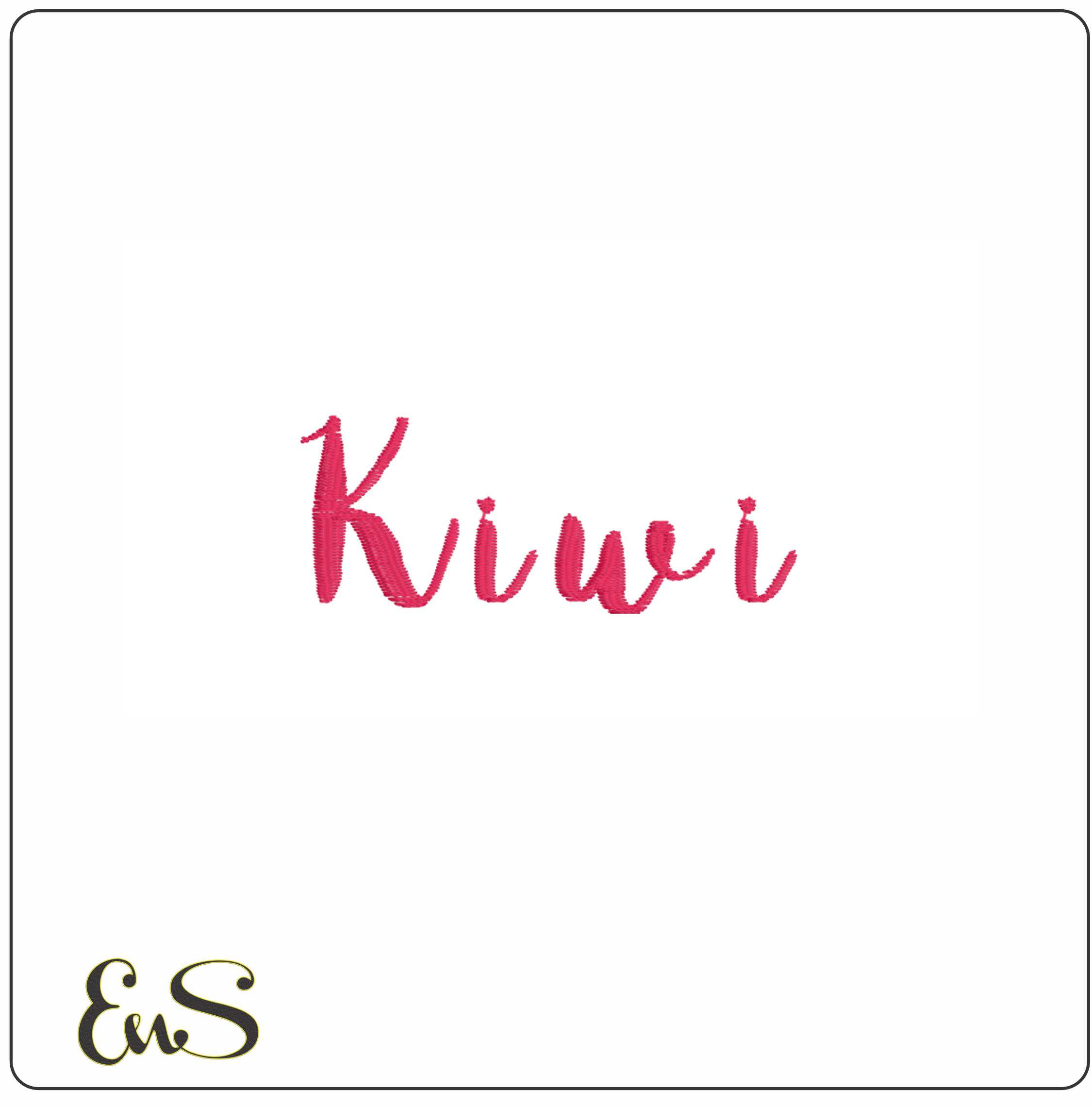 Embroidery designKiwi EmbroideryView this design →
How to choose the right instant download design
A good design is not just about taste. It has to suit the job.
1. Match detail level to fabric
Fine detail looks better on stable fabrics. If you are embroidering a sweatshirt, canvas tote or twill jacket, you can usually handle more stitch detail than you can on a stretchy T-shirt.
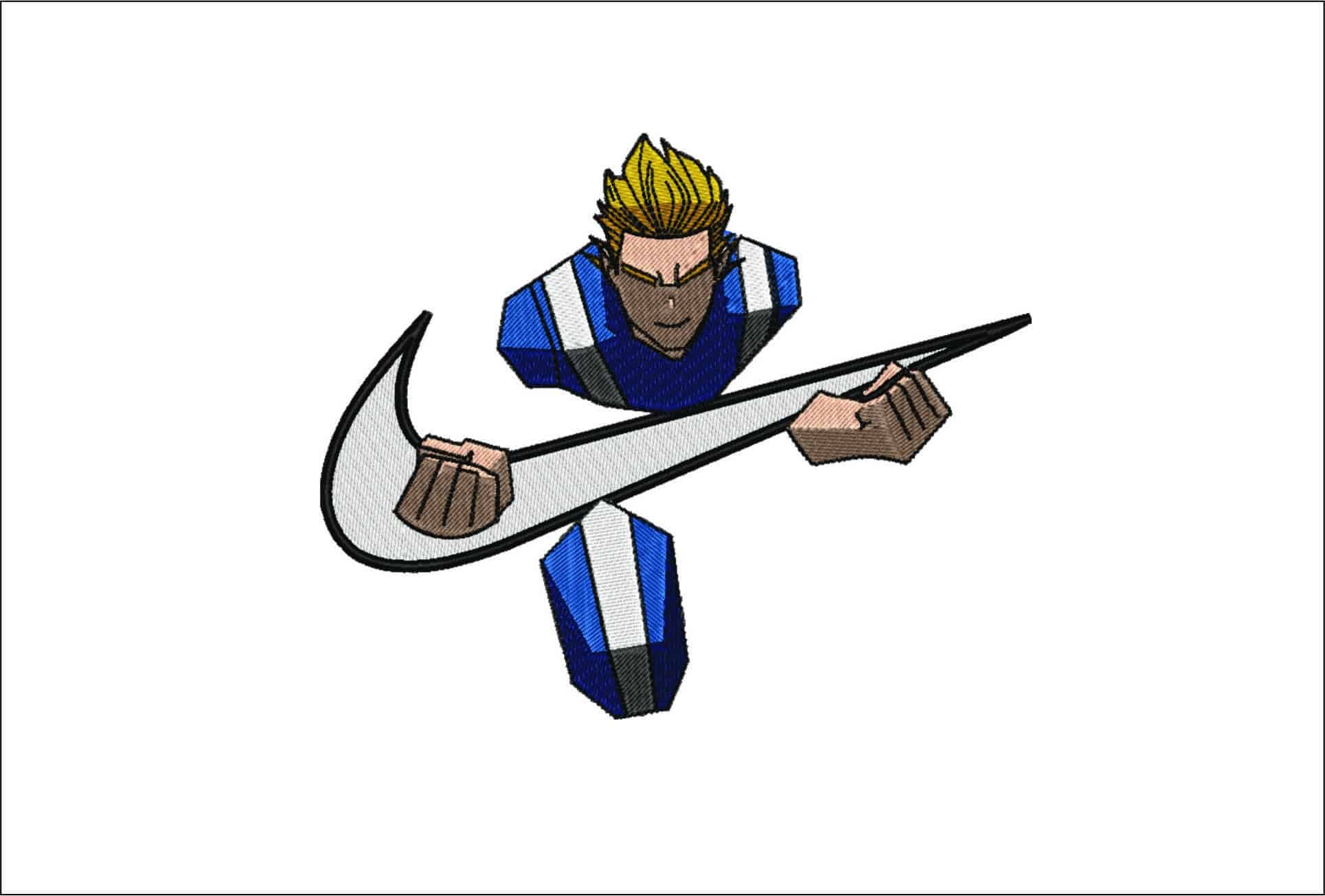
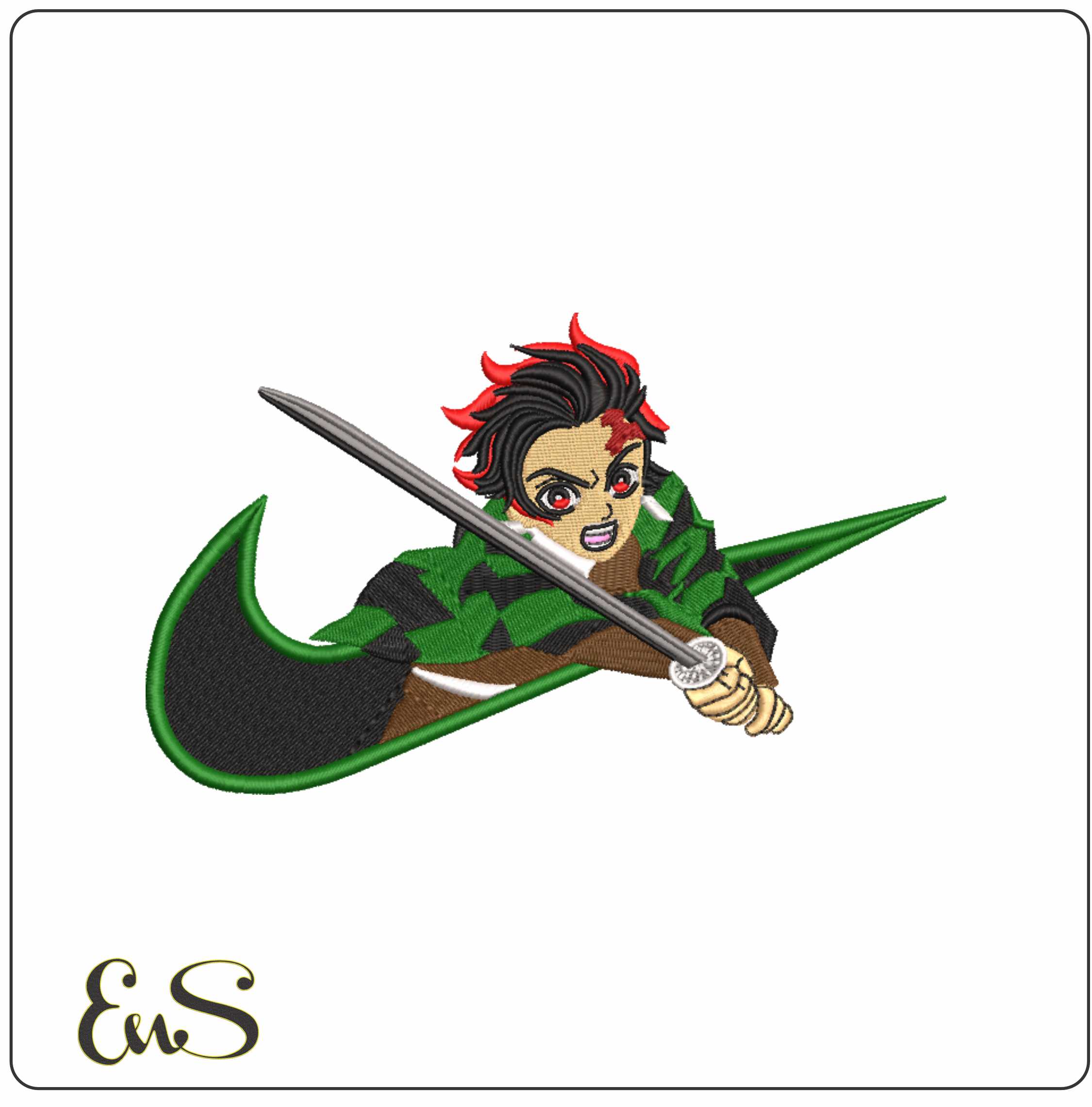
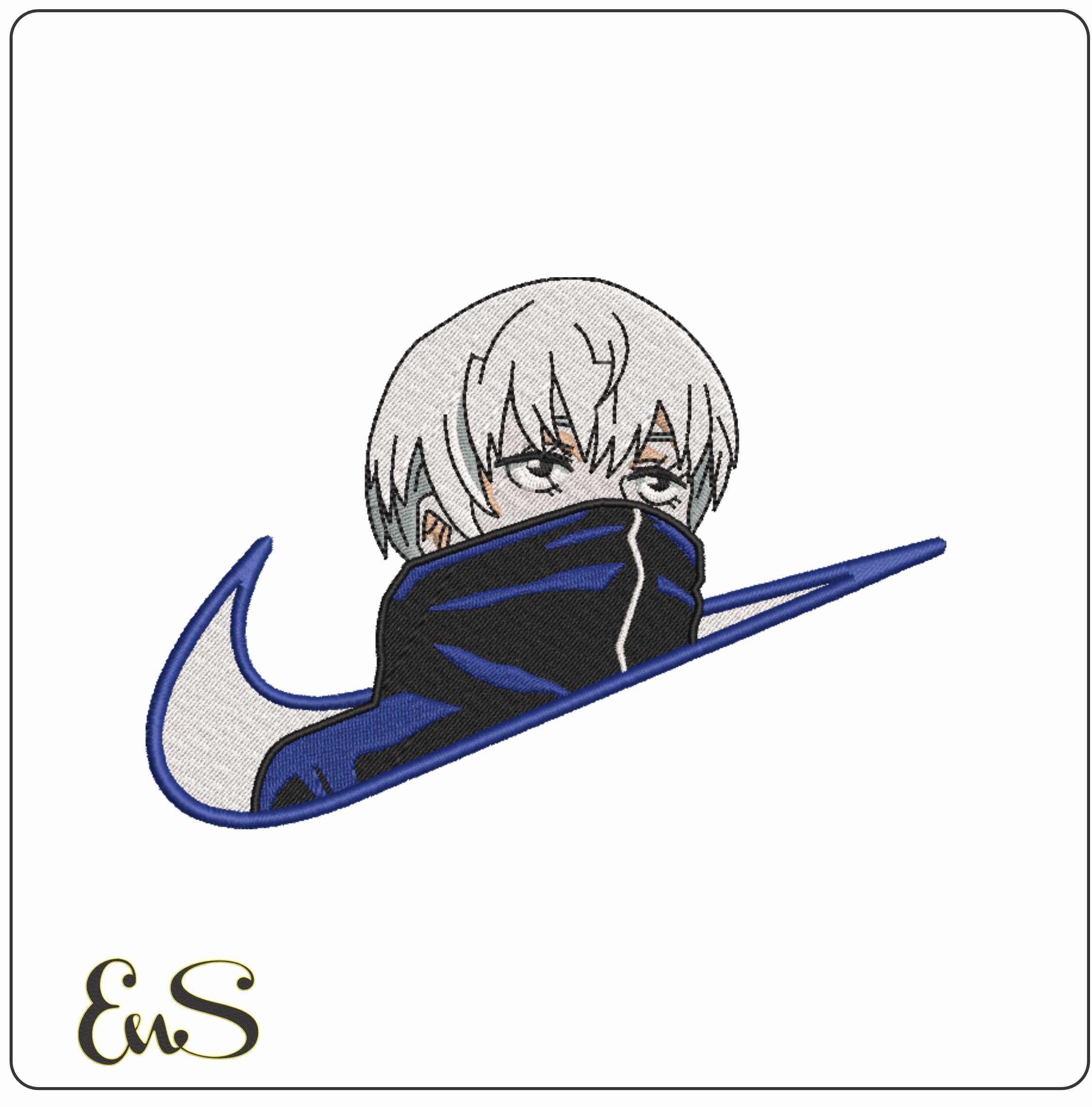
For example, a graphic character-led file such as Nike Swoosh Sasuke Uchiha or Nike Swoosh Tanjiro Sword will generally benefit from a fabric that does not shift much during stitching.
2. Think about where the design will sit
Left chest, sleeve, back yoke, pocket area and tote corner all need different scales. A design that looks balanced on a hoodie back may be too large or visually heavy for a cap side panel.
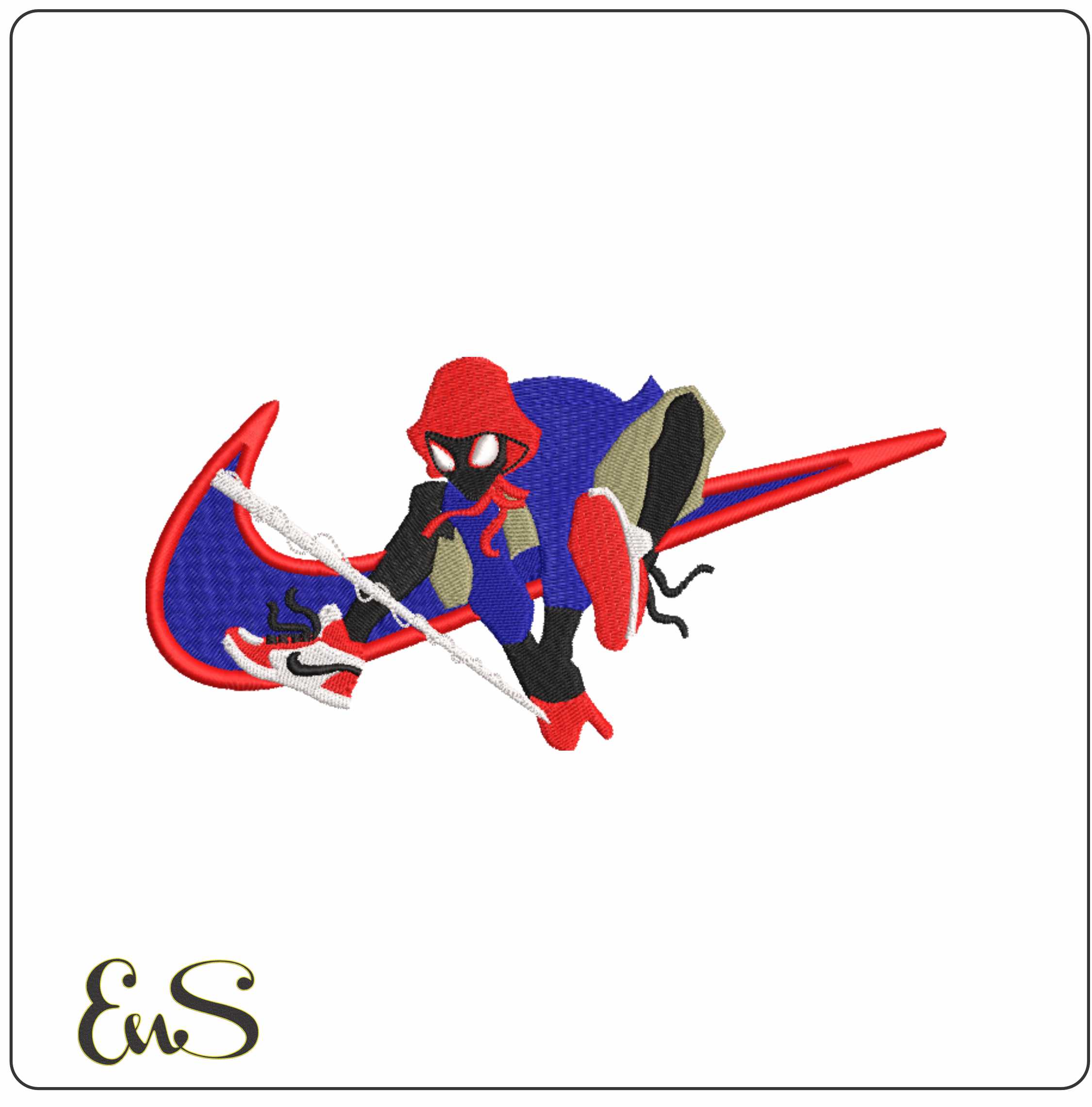
If you want a bold placement for older children’s or teen accessories, something lively like Nike Swoosh Spider Man Teenager webshot can work well on backpacks, but measure the stitch area first rather than guessing.
3. Pick a style you can thread well
Some buyers forget that every colour change adds time. If you want a quick evening project, choose a design that you can stitch confidently without constant rethreading or trimming.
A simple how-to: from download to first stitch
Step 1: Download and organise the files
Save the design in a folder with the product name and format. Keep the original download untouched, then copy the machine-ready file to a USB stick or the method your machine uses.
Create folders such as:
- Animals
- Anime
- Test stitches
- Gifts
- Left chest designs
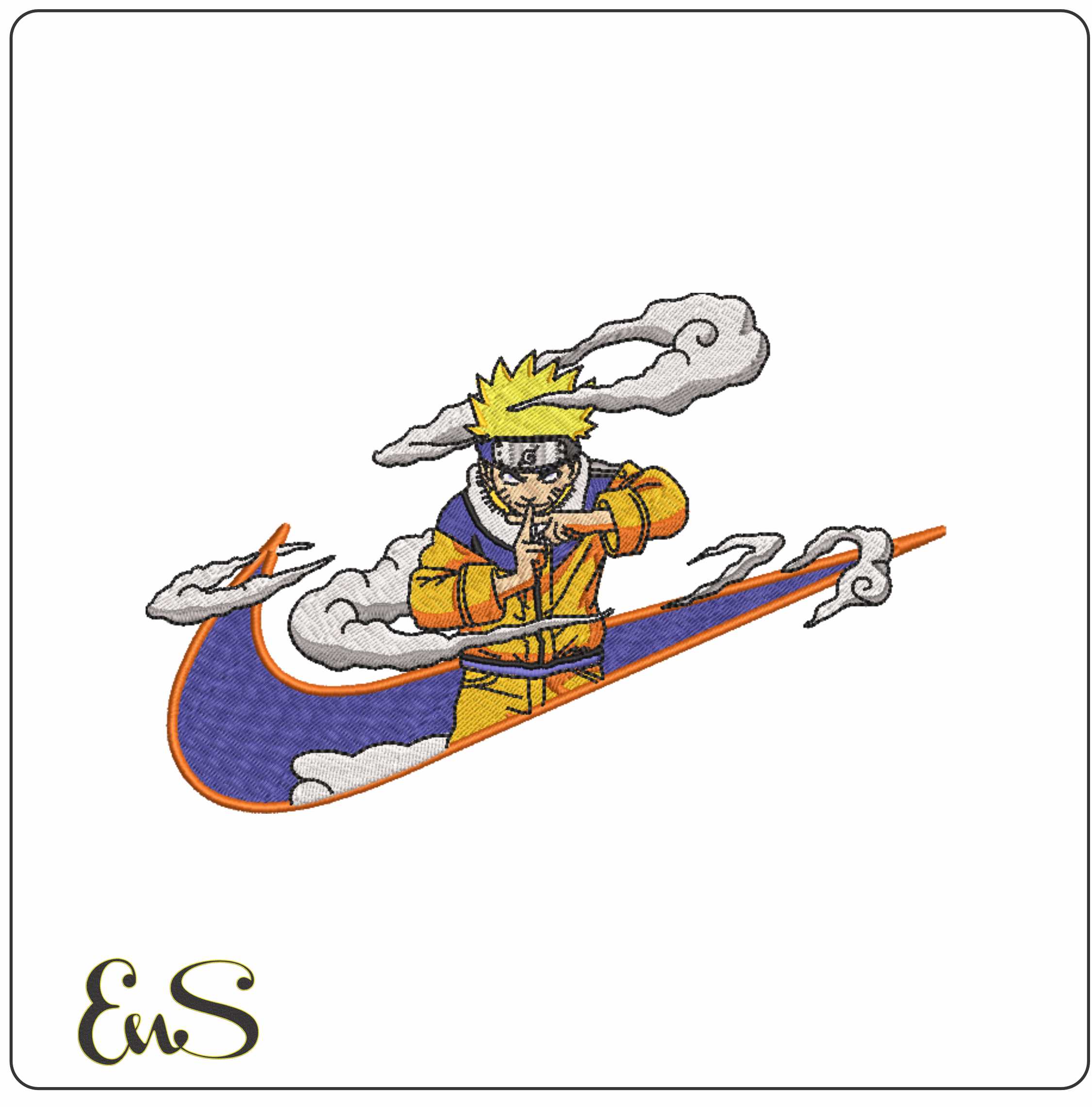
That small habit saves time later, especially if you buy several themed files such as Nike Swoosh Toge Inumaki, Nike Swoosh Unzumaki Naruto and Nike Swoosh Tanjiro Kamado Earing.
Step 2: Choose the correct stabiliser
Stabiliser choice has more impact than many beginners expect.
| Fabric | Good starting stabiliser | Notes |
|---|---|---|
| Cotton tote, twill, denim | Tear-away or cut-away | Stable fabrics are forgiving |
| Sweatshirts, knits, jerseys | Cut-away | Helps prevent stretching and design distortion |
| Towels, fleece | Cut-away + water-soluble topper | Topper helps stitches sit above the pile |
| Caps or structured items | Cap backing suited to the item | Secure hooping and reduced movement matter most |
If the fabric stretches, cut-away is usually the safer choice. If the surface is fluffy, use topper so detail does not sink in.
Step 3: Hoop firmly, not harshly
The fabric should be taut like a smooth drum surface, but not stretched out of shape. Over-hooping knit fabric can cause puckering once the hoop is removed.
Float-only methods can work, but beginners usually get cleaner results by hooping the stabiliser properly and securing the item with care.
Step 4: Test stitch before using your final garment
This is the fastest way to avoid disappointment. Use a fabric scrap that is as close as possible to the final item.
Testing helps you check:
- whether the design pulls on the fabric
- whether thread colours give enough contrast
- whether satin edges are clean
- whether registration stays accurate between colour changes
A ten-minute test stitch can save a ruined hoodie, tote or baby gift.
Step 5: Slow down for detailed areas
If your machine allows speed control, reduce speed for dense sections, tight curves or layered detail. This is often useful on expressive graphic files such as Nike Swoosh Taz Bite where clean outlines matter visually.
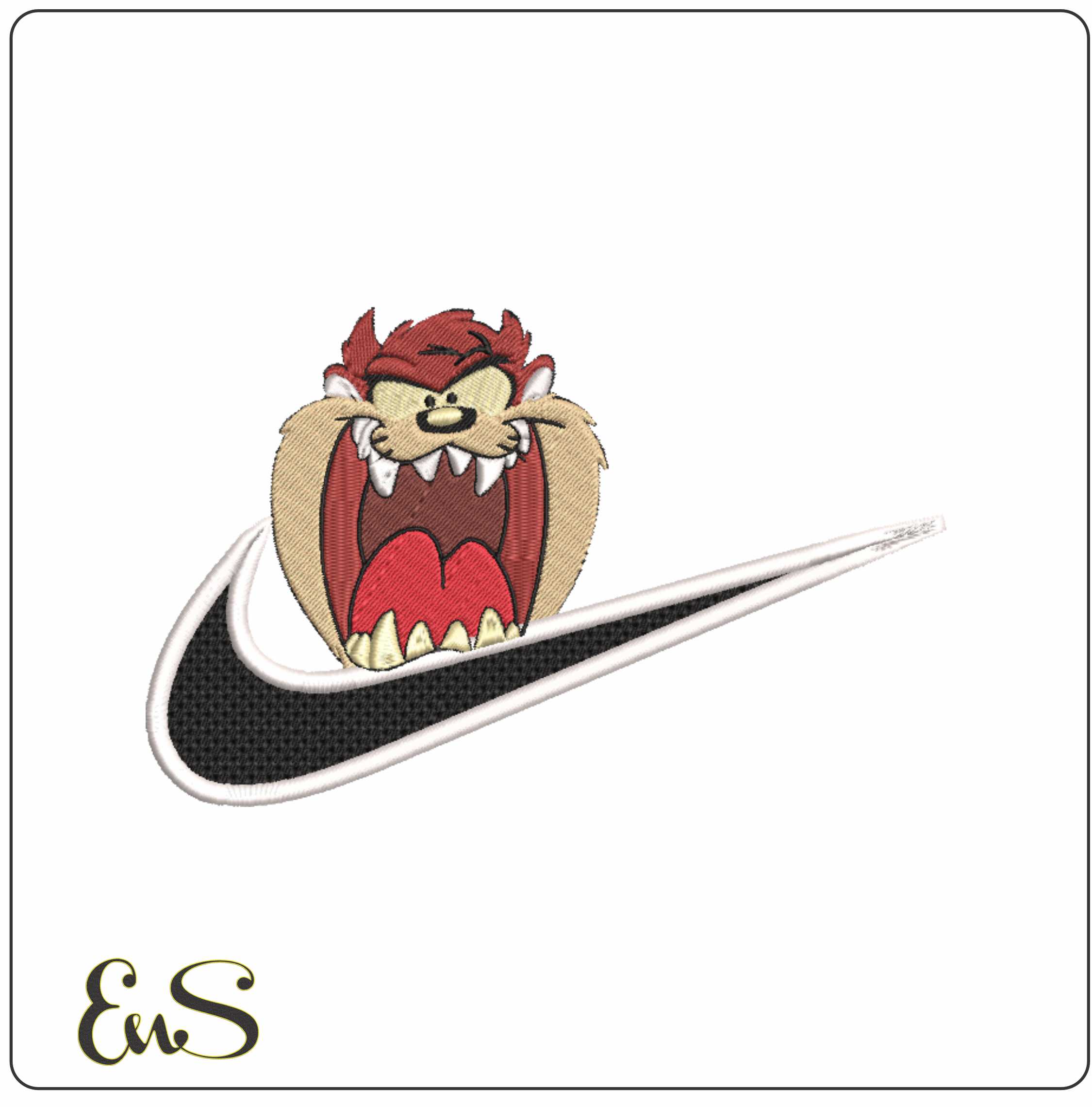
Design ideas buyers can actually use
Quick personalised gifts
Use a small motif on a tea towel, apron, zip pouch or tote. Animal and fruit motifs are especially versatile, which is why Kiwi Embroidery suits practical everyday projects.
Fan-inspired jackets and bags
Structured items such as denim jackets, canvas shoppers and sweatshirt backs suit bolder linework and themed designs. Files like Nike Swoosh Toge Inumaki or Nike Swoosh Unzumaki Naruto can be effective on stable fabrics with enough space to let the design breathe.
Coordinated sets
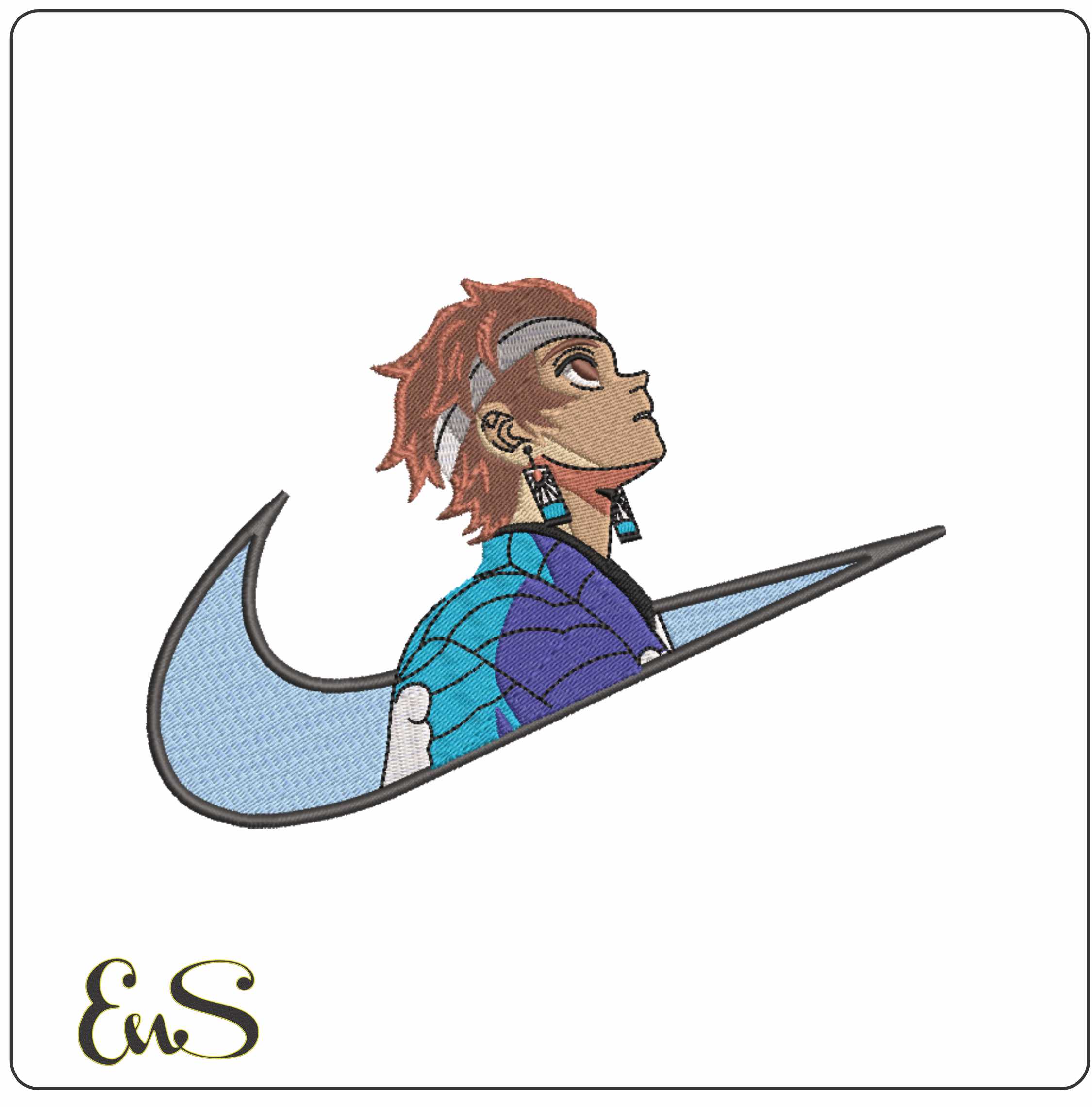
If you make gifts in sets, use one main design on the bag and a smaller related motif on a pouch or sleeve. Even when using a bold character design such as Nike Swoosh Tanjiro Kamado Earing, keeping the secondary item simpler often gives a neater final result.
Common mistakes with instant download embroidery
Buying before checking format
This is the most common issue. Never assume all machines read the same file type.
Ignoring stitch density on delicate fabric
A dense design on a thin tee can tunnel, pucker or feel stiff.
Skipping the test stitch
Even experienced embroiderers test when using unfamiliar fabric, metallic thread, or a new needle type.
Poor placement
Measure from seams, plackets and pocket lines. A design can stitch perfectly and still look wrong if it sits too high, too low or too near an edge.
Trimming jump threads too late
On detailed designs, trimming neatly as you go often gives a cleaner finish than leaving everything until the end.
Before you buy: a short checklist
- Do I know my machine format?
- Will it fit my hoop?
- Is my fabric stable enough for this style of design?
- Do I have the right stabiliser and needle?
- Is this for personal use, gifting, or a product I intend to sell?
- Can I test stitch first?
Instant download embroidery is convenient, but the best results still come from solid setup and realistic project choices. Start with a design that suits your machine and fabric, organise your downloads properly, and treat the first stitch-out as information rather than a final exam. That approach leads to cleaner embroidery and fewer wasted blanks.