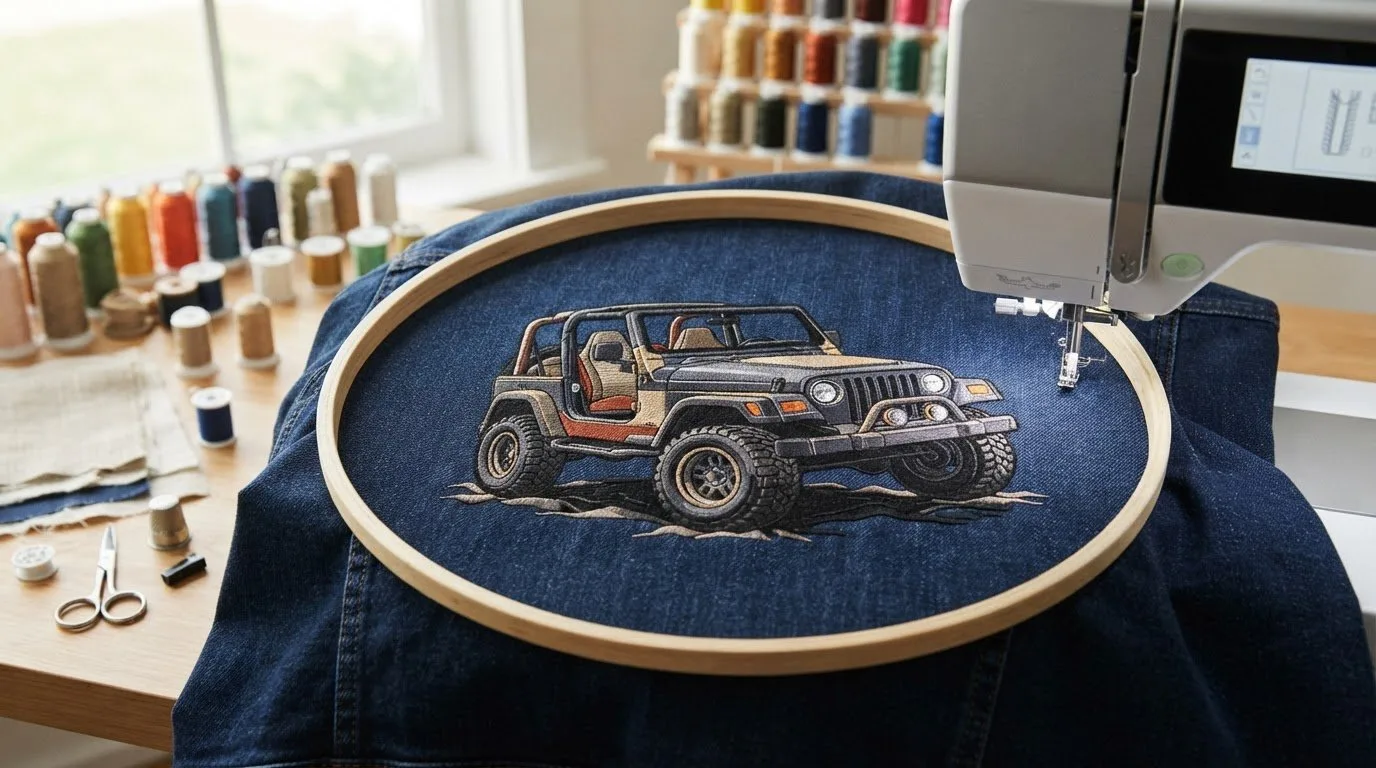
# Jeep Embroidery Design: Find the Right Digital Pattern for Your Project
What makes a jeep embroidery design right for your project: the vehicle motif, or the details behind the digital file? A bold design may catch your eye, but it also needs to suit your garment or project, fit the available stitching area, and work with your machine’s file format and intended use.
If you’re looking for a Jeep-inspired direction, a few practical checks can make browsing easier. Match the design’s style and scale to your project, review the file format and usage terms, and explore related vehicle themes. The Transportation category features 690 designs within a catalogue of 17,343 designs and counting, giving you a broad starting point for finding an idea for your next embroidery project.
Key Takeaways
Table of Contents
-
Jeep Embroidery Design Ideas: Choose a Look That Fits Your Project
-
How to Choose a Jeep Embroidery Design for Your Machine and Project
-
Find Vehicle-Themed Digital Embroidery Designs in the Transportation Category
Jeep Embroidery Design Ideas: Choose a Look That Fits Your Project
A vehicle theme can give everyday clothing, a handmade gift, team apparel, or a craft project a personal touch. The right jeep embroidery design direction depends on the item and the mood you want: playful, clean and graphic, or adventurous. Start with that choice to narrow your search before comparing individual patterns.
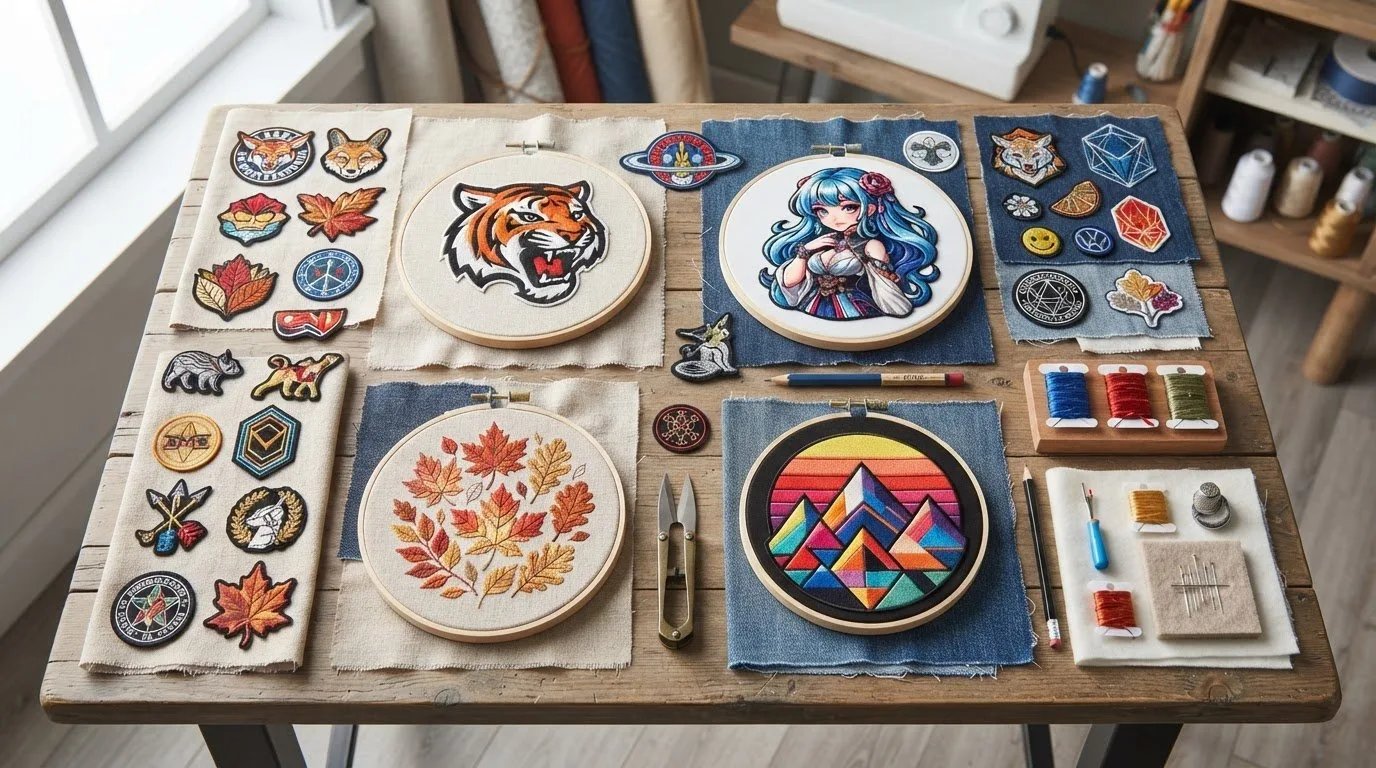
Appliqué uses fabric shapes as part of the design, creating a layered, patch-like appearance. Logo-style artwork has a streamlined, graphic look, while off-road-inspired motifs can suggest adventure through details such as tire tracks, trails, or rugged vehicle features. Use these visual approaches to guide your search and decide what will work best on your project.
Which Jeep-inspired embroidery style suits your project?
Bold, simple motifs make a clear visual statement and can work well on a cap, jacket, or team garment. More detailed artwork offers extra visual interest for a larger area, such as the front of a sweatshirt or a décor piece. Neither approach is universally better. Consider how much space the item offers and whether you want the design to stand out or complement the overall look.
-
For a casual gift: A playful or patch-like treatment can give a tote or garment a relaxed feel.
-
For team apparel: A compact, graphic look can keep the vehicle theme crisp and easy to recognize.
-
For décor: A more detailed, adventurous motif can become a focal point on a larger project.
Before settling on a style, picture it on the actual item and alongside its colour, shape, and other details. This quick comparison can help you choose a design that feels intentional rather than crowded or out of place.
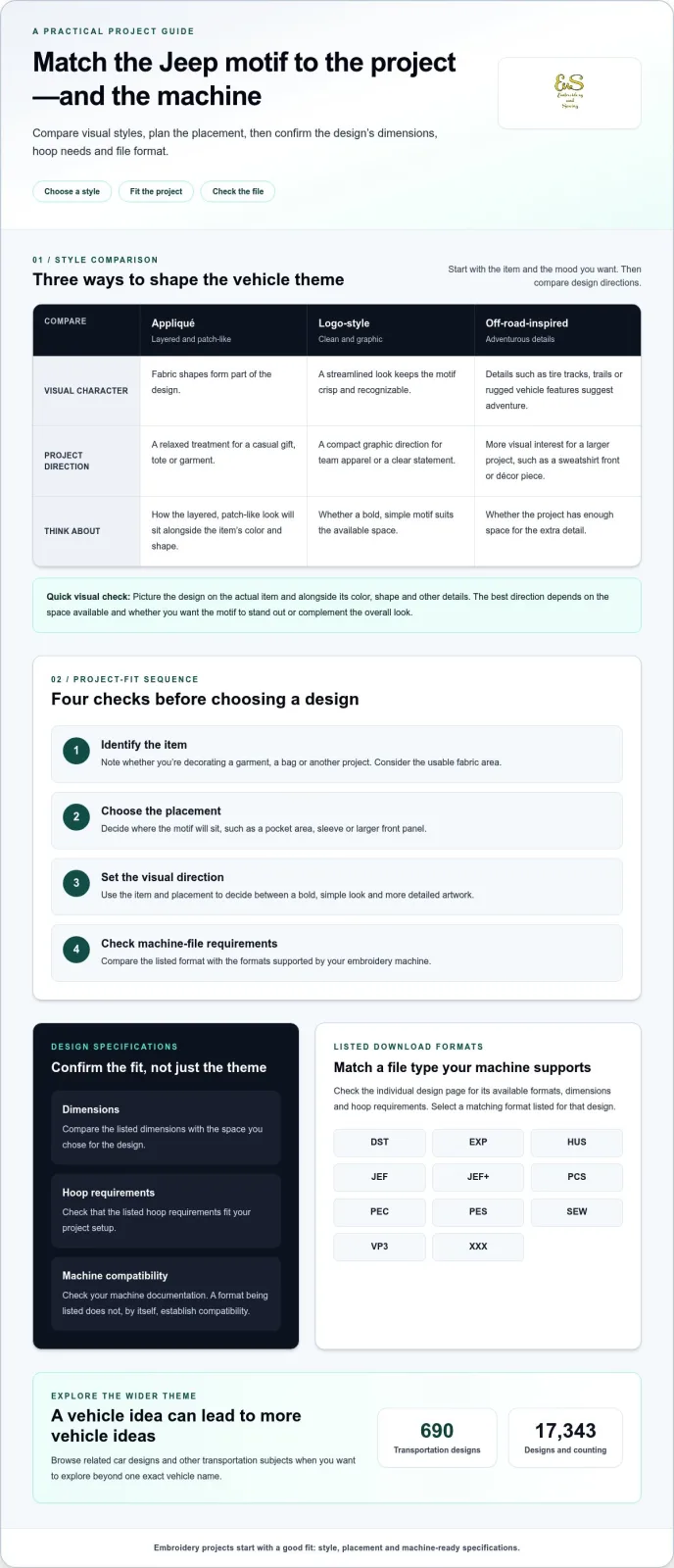
A design can suit the theme but still be a poor fit if its placement, dimensions, or file format don’t work for your setup. Use this sequence to narrow your options before downloading a jeep embroidery design:
-
Identify the item. Note whether you’re decorating a garment, a bag, or another project, and consider the usable fabric area.
-
Choose the placement. Decide where the design will sit, such as on a pocket area, sleeve, or larger front panel.
-
Set the visual direction. Use the item and placement to guide your choice between a bold, simple look and more detailed artwork.
-
Check machine-file requirements. Compare the design’s listed format with the formats supported by your embroidery machine.
What to check before downloading a machine embroidery file
Review the individual design page for its available file formats and any listed dimensions or hoop requirements. Compare the dimensions with the space you’ve chosen, and make sure the hoop requirements fit your project setup. Use the specifications provided for that design rather than relying on assumptions.
Design downloads include the listed formats: DST, EXP, HUS, JEF, JEF+, PCS, PEC, PES, SEW, VP3, and XXX. A format’s presence alone doesn’t establish compatibility with your machine. Check your machine documentation to see which file types it supports, then select a matching format listed for the design.
If you’re still getting familiar with setup steps, the machine embroidery articles can help you build a stronger foundation before choosing a file. Checking placement, dimensions, hoop needs, and format makes it easier to find a digital design that suits both your project and machine.
Find Vehicle-Themed Digital Embroidery Designs in the Transportation Category
A Jeep theme can be a starting point for exploring other vehicle-inspired ideas, whether you’re planning a related project or gathering inspiration. Browsing a category lets you see a wider range of transportation motifs together, making it easier to find a theme that fits your creative direction.
Browse related vehicle themes and understand digital access
As you explore, look beyond one exact vehicle name. Car designs and other transportation subjects can inspire a gift, garment, or craft project. Browse the Transportation design category to explore vehicle-themed options from a collection of 690 designs.
Embroidery n Sewing brings together a broad range of machine embroidery designs across themes, so you can move from a specific idea to related creative possibilities. If a motif catches your eye, consider how it could inspire a new project or complement an idea you already have. Browsing related themes can also help you discover options you might not have thought to search for.
Let your project guide the next step, whether you’re making something personal or choosing a design direction for a gift. Explore the Transportation category and see which vehicle-themed idea sparks your imagination.
Turn Your Idea Into a Personal Project
A Jeep-inspired project can be more than a way to show off a vehicle theme. It can reflect a memory, a favorite adventure, or the personality of the person who’ll wear or use the finished piece. Let that connection guide your choice, and take time to find a design that feels like a natural fit.
Think about what would make the project special to you: a detail that catches the eye, a motif that feels understated, or a theme that brings a smile to its recipient. The right jeep embroidery design is one that makes you excited to create.
Browse digital embroidery designs for inspiration and find a theme for your next project.