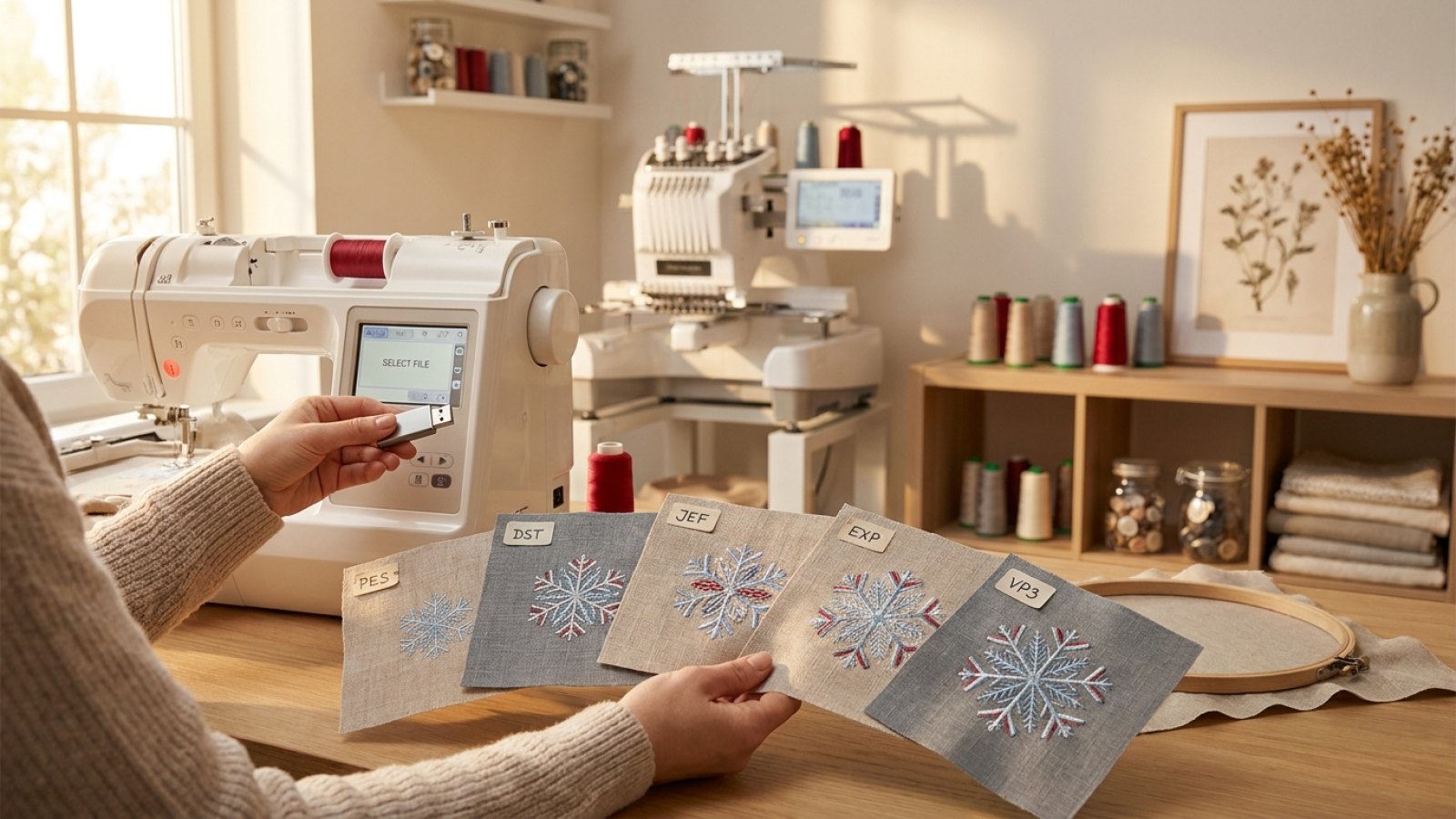
What's the difference between PES, DST, JEF, EXP and VP3 files?
If you have ever downloaded an embroidery design and then wondered why it came in several file types, you are not alone. PES, DST, JEF, EXP and VP3 are all machine embroidery formats, but they are not interchangeable in every machine. The right one depends on your embroidery machine brand and, sometimes, the features you want to keep.
The short version is this: the design itself is usually the same artwork, but the file format tells your machine how to read and stitch it. Choosing the correct format helps you avoid import errors, missing colour changes and awkward resizing.
At Embroidery n Sewing, the practical advantage is simple: designs are supplied in multiple machine formats and each design on the site also comes with multiple sizes, so you can choose the version that fits both your machine and your hoop more easily.
Why embroidery file formats exist at all
Unlike a JPG or PNG image, an embroidery file does not just store a picture. It stores stitch instructions: where the needle starts, where it moves, when it trims, and when the machine changes colour. Different manufacturers developed their own ways of packaging that information, which is why the embroidery world still uses several major formats.
That is also why converting files is not always perfect. A converted design may still sew, but some machine-specific information can be lost depending on the source and destination format.
Quick comparison: PES vs DST vs JEF vs EXP vs VP3
| Format | Commonly used by | Best known for | Possible limitations |
|---|---|---|---|
| PES | Brother, Baby Lock and some Bernina models | Widely used home-machine format with good support for colour blocks and design data | Version compatibility can vary on older machines |
| DST | Tajima and many commercial machines | Very widely accepted, reliable for stitch data | More basic format; often limited design metadata and colour handling |
| JEF | Janome | Built for Janome hoops and workflow | Best for Janome users; not universal across brands |
| EXP | Melco, Bernina and some commercial workflows | Compact stitch format commonly supported in some systems | Often more minimal than richer proprietary formats |
| VP3 | Husqvarna Viking and Pfaff | Modern home-machine format with strong design presentation | Mainly useful if your machine accepts VP3 |
PES files: a common choice for home embroiderers
PES is one of the most familiar formats for hobby and home embroidery users. It is commonly associated with Brother and Baby Lock machines, and many embroiderers specifically look for PES when shopping for ready-to-stitch designs.
A PES file usually carries more machine-friendly information than very basic stitch-only formats. In practice, that can mean smoother importing and clearer colour-stop handling on compatible machines.
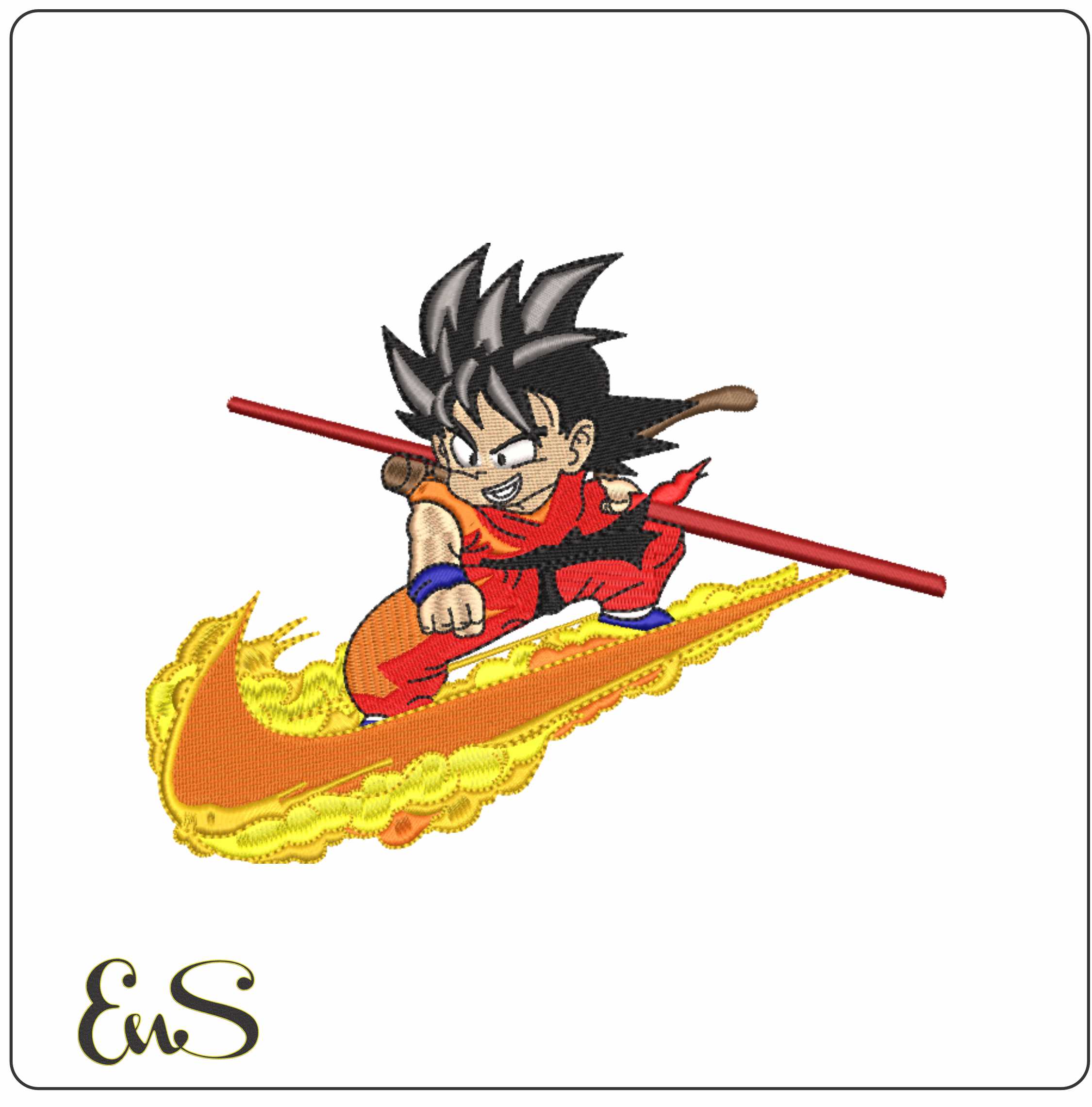
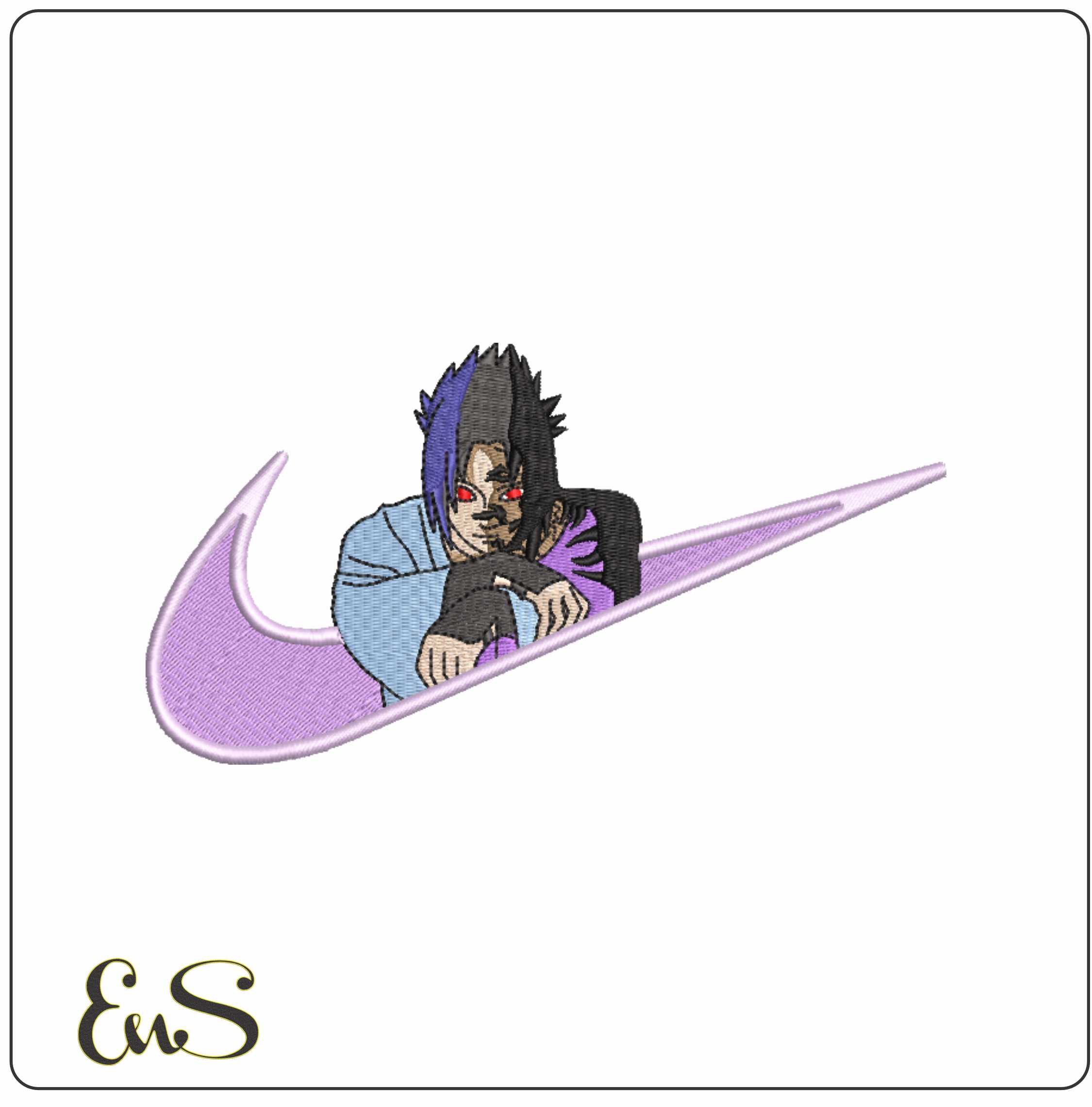
If you stitch fun character or statement designs at home, a detailed home-machine format matters. For example, a design such as Sosuke Anime embroidery design or Son Goku Primera anime embroidery file is much easier to manage when your machine reads the sequence cleanly.
DST files: the workhorse format
DST is often treated as the industry standard because so many commercial embroidery machines can read it. If you use a multi-needle commercial setup, there is a good chance DST is already part of your normal workflow.
Its strength is compatibility. If a seller offers DST, that usually makes the design usable across a broad range of machines and software. The trade-off is that DST is a simpler format. It is excellent for stitch data, but it may not preserve as much extra information as some brand-specific home-machine formats.
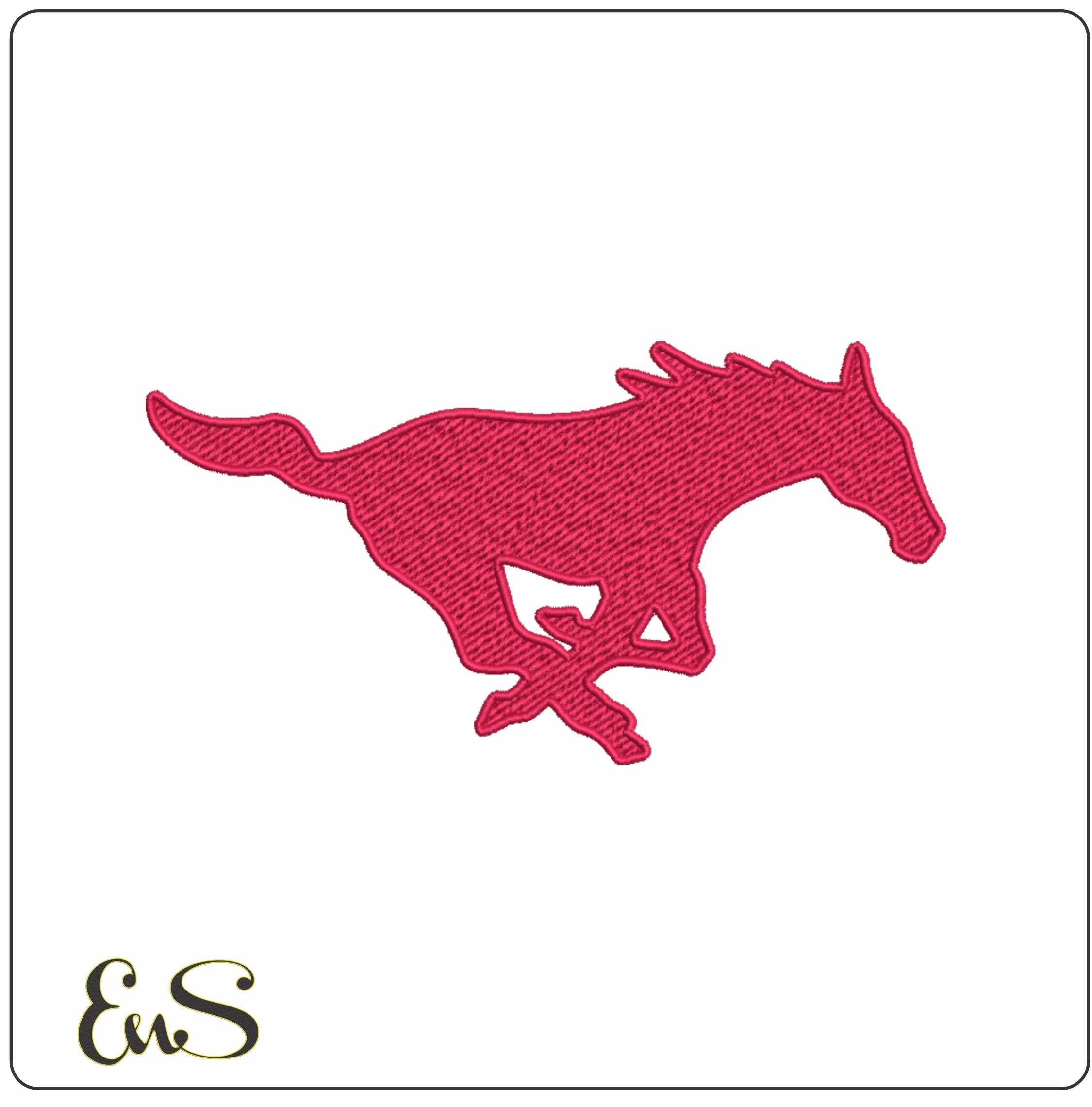
That does not make DST worse; it makes it practical. For clean logo-style embroidery, such as F150 XL outlined truck embroidery design or SMU Mustangs outlined embroidery design, DST is often exactly what many machine owners need.
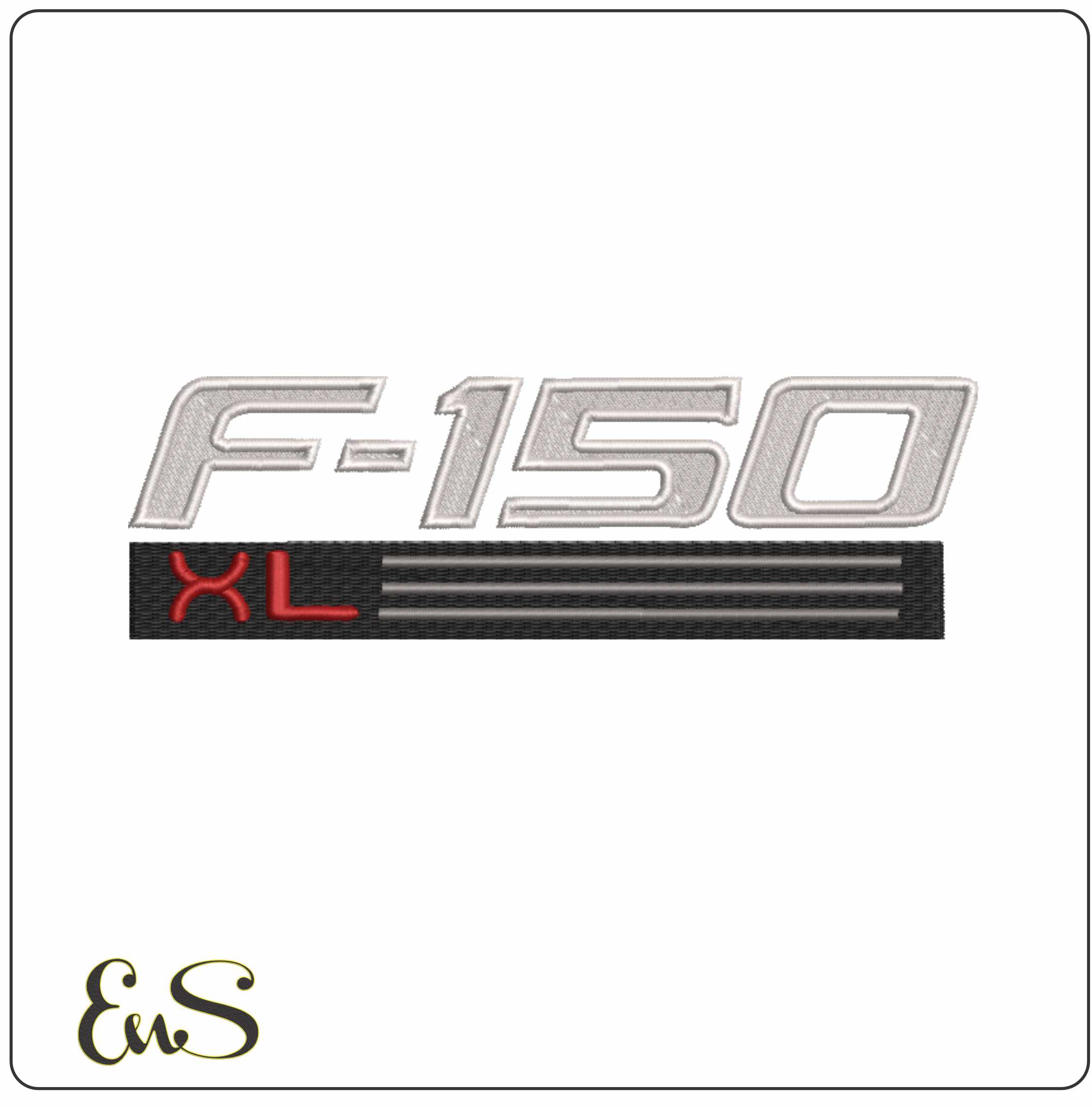 Embroidery designF150 Xl OutlinedView this design →
JEF files: designed for Janome users
JEF is Janome’s native embroidery format. If you own a Janome machine, using the supplied JEF file is usually the safest route because the file is structured for Janome’s system, including how the machine handles hoop areas and stitch data.
One practical note: even if another format technically opens in your software, the native JEF version is often the better choice for a Janome machine because it reduces guesswork.
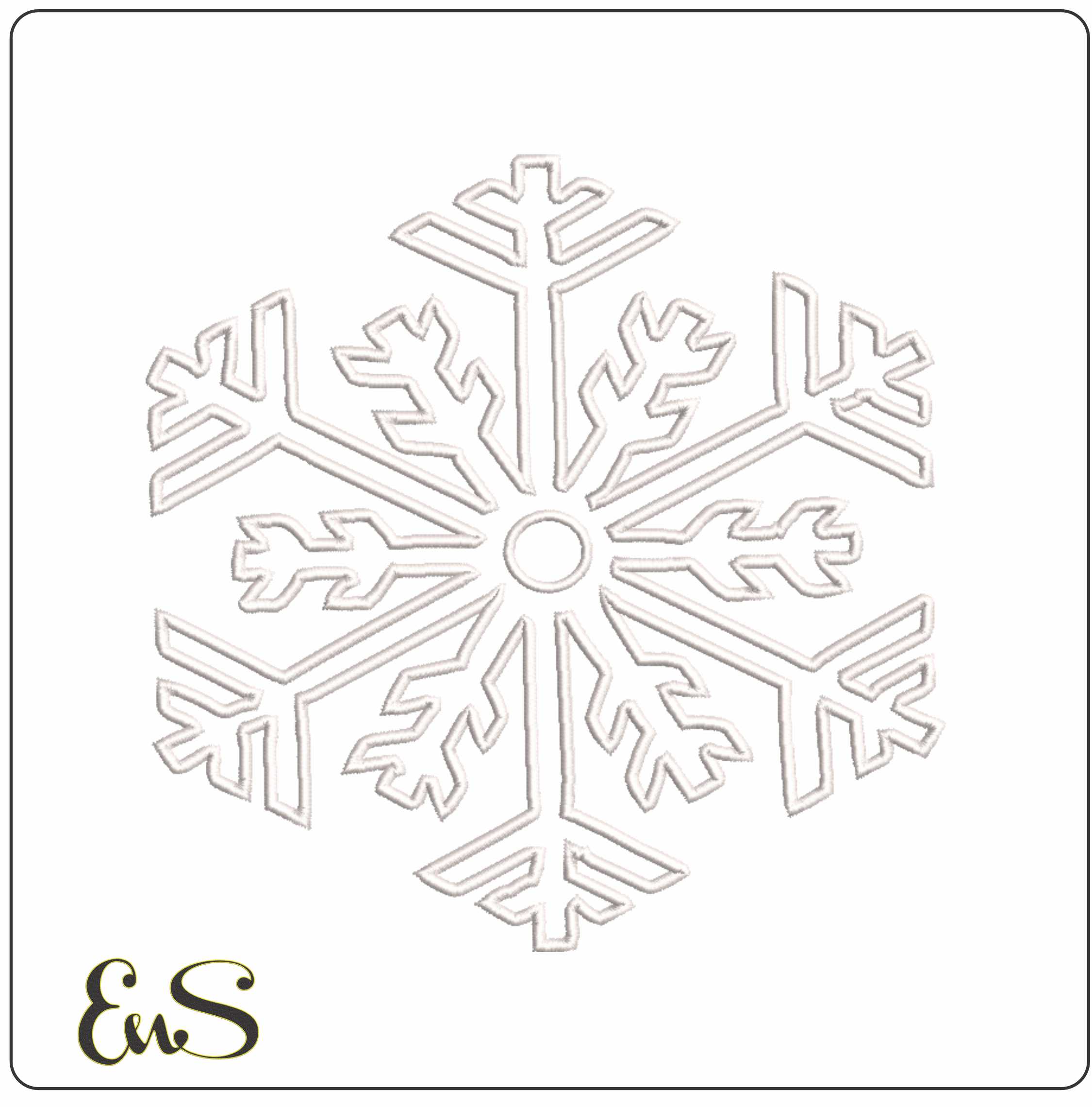
If you are stitching seasonal motifs, choosing the native format can make setup faster. A design like Snowflake Tree embroidery design or Snowflake 1 Outline winter embroidery file is ideal when you want to load, hoop and sew without format drama.
EXP files: useful in certain commercial and Bernina workflows
EXP is often seen in Bernina and Melco-related environments, though support varies by machine and software version. Like DST, EXP is generally more about stitch commands than rich visual preview information.
If your machine asks for EXP, use the EXP supplied with the design rather than converting from another format if possible. Native delivery is simply less risky than DIY conversion.
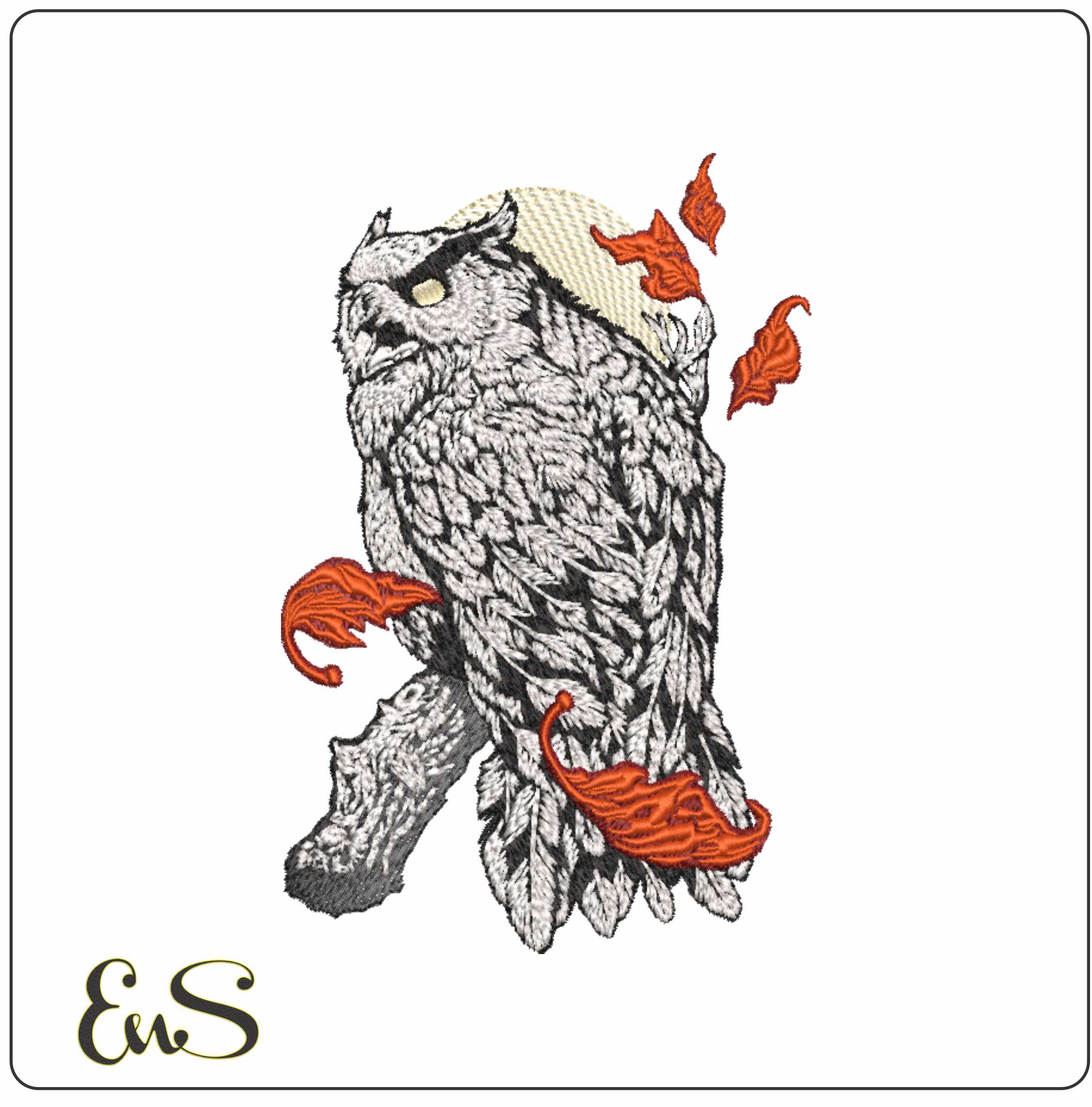
This matters especially on decorative designs where stitch order affects the finish. Something detailed like Snowy Owl Hedwig with the Moon Harry Potter embroidery design benefits from loading the format your machine already prefers.
VP3 files: for Husqvarna Viking and Pfaff users
VP3 is widely used with Husqvarna Viking and Pfaff embroidery machines. It is a modern home-embroidery format and is generally a good choice if your machine supports it natively.
For many users, the main benefit is convenience: fewer compatibility surprises and better integration with the machine’s own interface. If your machine takes VP3, start there rather than defaulting to DST simply because you have heard of it before.
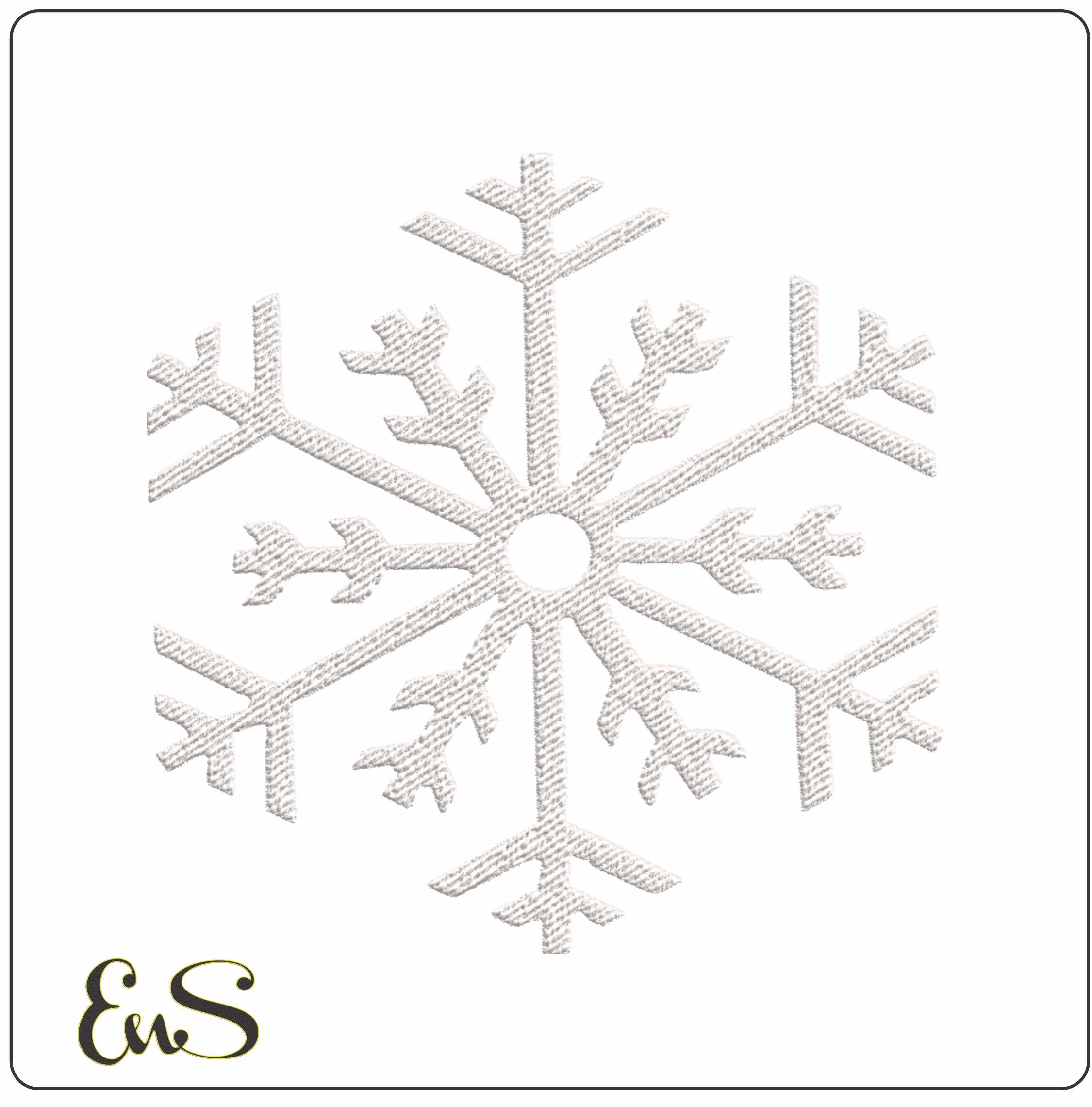
For simple winter stitching, Snowflake 1 Solid embroidery design is the sort of design many embroiderers keep in several ready-to-sew sizes for quick projects like napkins, gift bags or festive cushions.
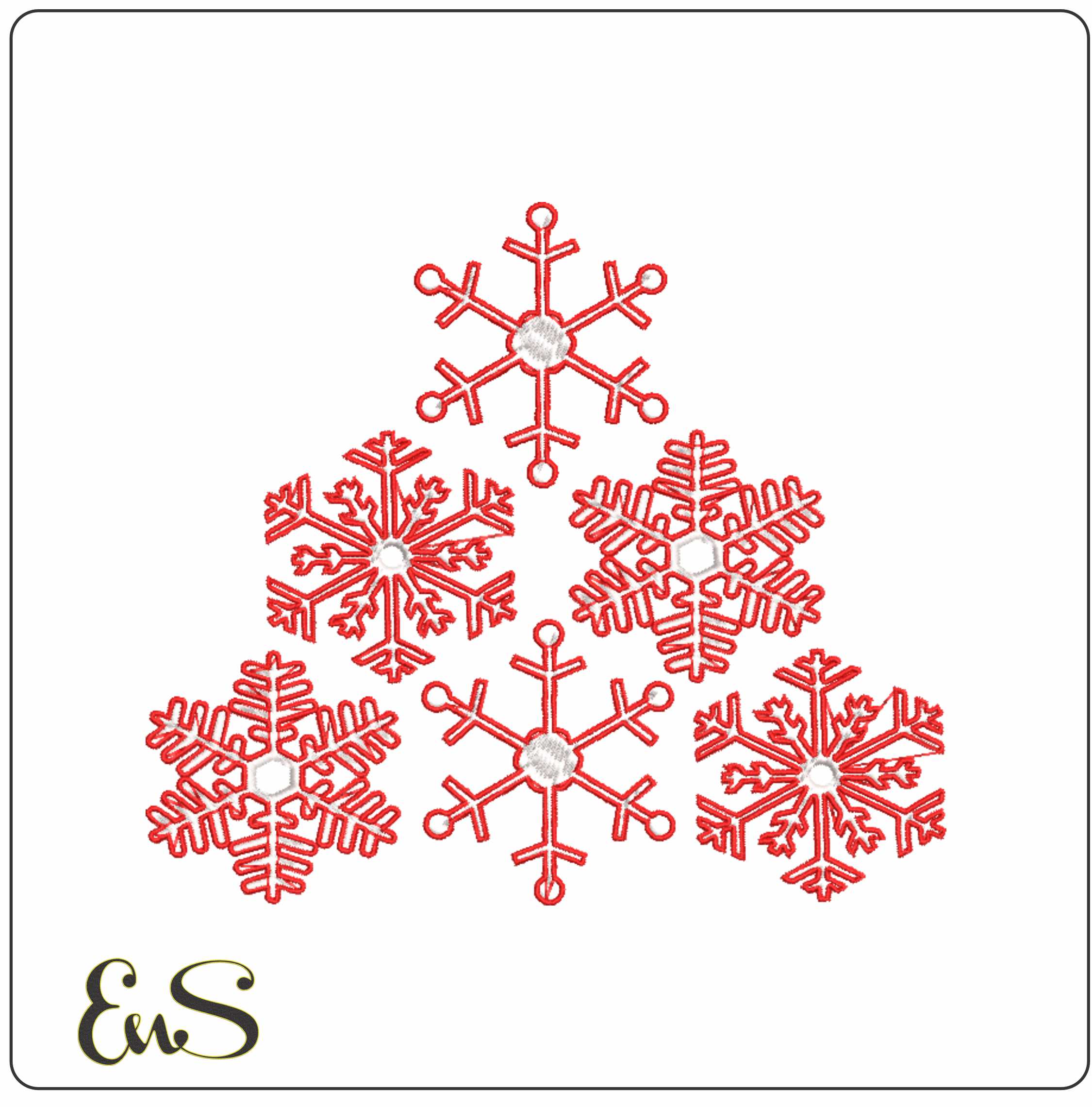 Embroidery designSnowflake TreeView this design →
Which format should you choose when several are included?
Use this order of preference:
- Choose your machine’s native format first: PES for Brother/Baby Lock, JEF for Janome, VP3 for Husqvarna Viking/Pfaff, and so on.
- Use DST if you need broad compatibility, especially on commercial machines.
- Avoid unnecessary conversion unless you have no alternative.
- Check the hoop size before stitching, not just the file type.
That last point matters just as much as format. A file can be the correct type and still not fit your hoop. Multiple sizes are genuinely useful because they reduce the need to resize designs in software, which can distort stitch density and underlay. Embroidery n Sewing includes multiple sizes with each design, making it easier to pick the version that suits your project rather than forcing a risky resize.
Can you convert one format to another?
Yes, with embroidery software. But conversion should be your backup plan, not your first choice. Some formats preserve more information than others, and the result may need checking before you stitch it out. Always review stitch count, colour stops, dimensions and trims after conversion.
If you are buying a design for immediate use, it is better to download the supplied format that matches your machine.
A simple buying checklist
Before purchasing any embroidery design, check:
- Your machine’s accepted formats
- Your hoop size
- Whether multiple sizes are included
- Whether the design style suits your fabric
- Whether you can stitch the density comfortably on your machine
For example, a bold outlined file such as F150 XL outlined truck embroidery design behaves differently on fabric from a more filled design like Snowy Owl Hedwig with the Moon Harry Potter embroidery design. Format compatibility gets the file into the machine; correct sizing, stabilising and fabric choice are what make it sew well.
Final takeaway
PES, DST, JEF, EXP and VP3 are not better-or-worse rankings; they are different ways of delivering stitch data to different machines. The best format is usually the one your machine reads natively. When a marketplace supplies several formats and multiple sizes for each design, it removes a lot of the friction from machine embroidery and helps you get to the fun part: stitching.